


FLAC is great for keeping high-quality audio, but MP3 is easier to play on phones, car players, portable speakers, and older media apps. Convert FLAC to MP3 when you need a more compatible listening copy.
FLAC to MP3 Converter Online
Convert lossless FLAC audio to MP3 for easier playback, smaller files, and everyday listening
- Turn large FLAC files into smaller MP3s that are easier to store and share
- Make lossless audio more compatible with phones, car players, and more devices
- Use the desktop app to convert full albums, folders, and large FLAC collections
Have a full album or a large FLAC collection? The desktop version gives you more room to convert everything locally.
Online FLAC to MP3 Converter
Upload a FLAC audio file, pick MP3 quality, and download a smaller MP3 for daily listening
Uploaded FLAC
-
Output Format
MP3 Audio
Add a FLAC audio file to start MP3 conversion.
Converting
Preparing FLAC file...
Preparing FLAC to MP3 conversion...
Make FLAC Easier to Play Anywhere
Turn large FLAC files into smaller MP3s that are easier to play, store, and share
Turn large FLAC files into lighter MP3 copies for everyday listening, storage, or sharing. You can choose a smaller file size for voice content or a higher-quality MP3 for music.
For full albums, large FLAC collections, private audio files, or repeated conversions, the desktop version of Any Video Converter gives you batch conversion, saved presets, and more advanced control.
FLAC to MP3
High Quality
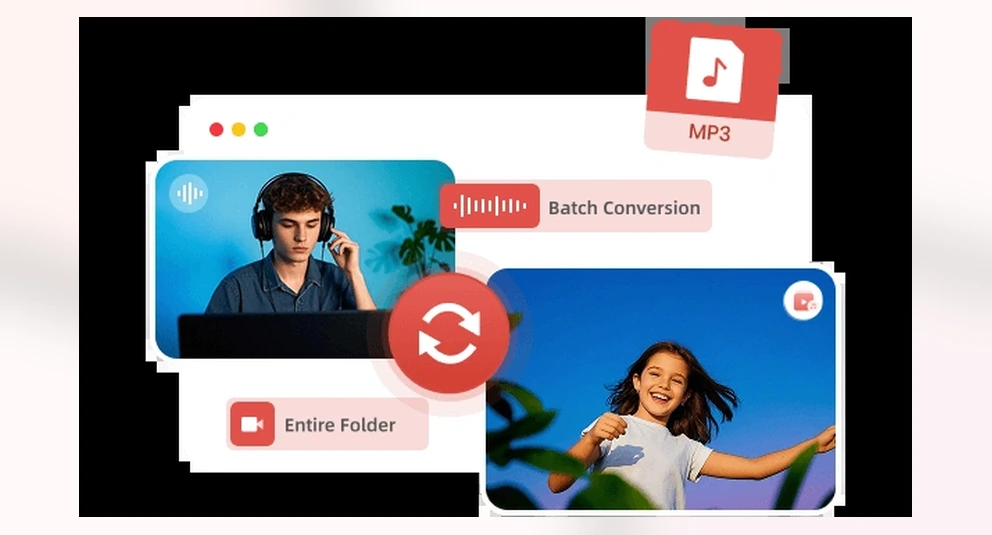
Batch FLAC to MP3
How to Convert FLAC to MP3 Online
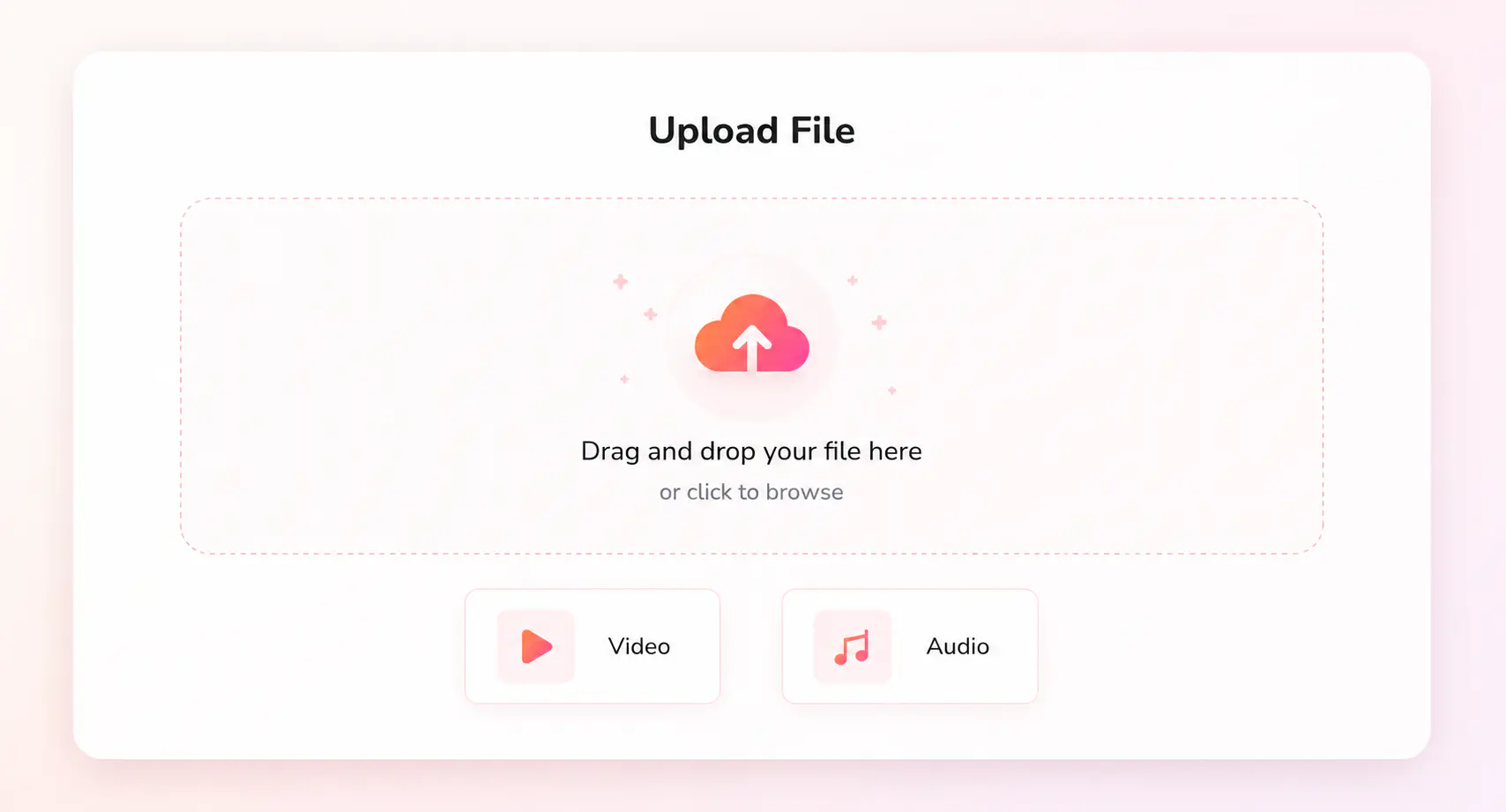
Click “Upload a FLAC File” and choose a FLAC audio file for online conversion.
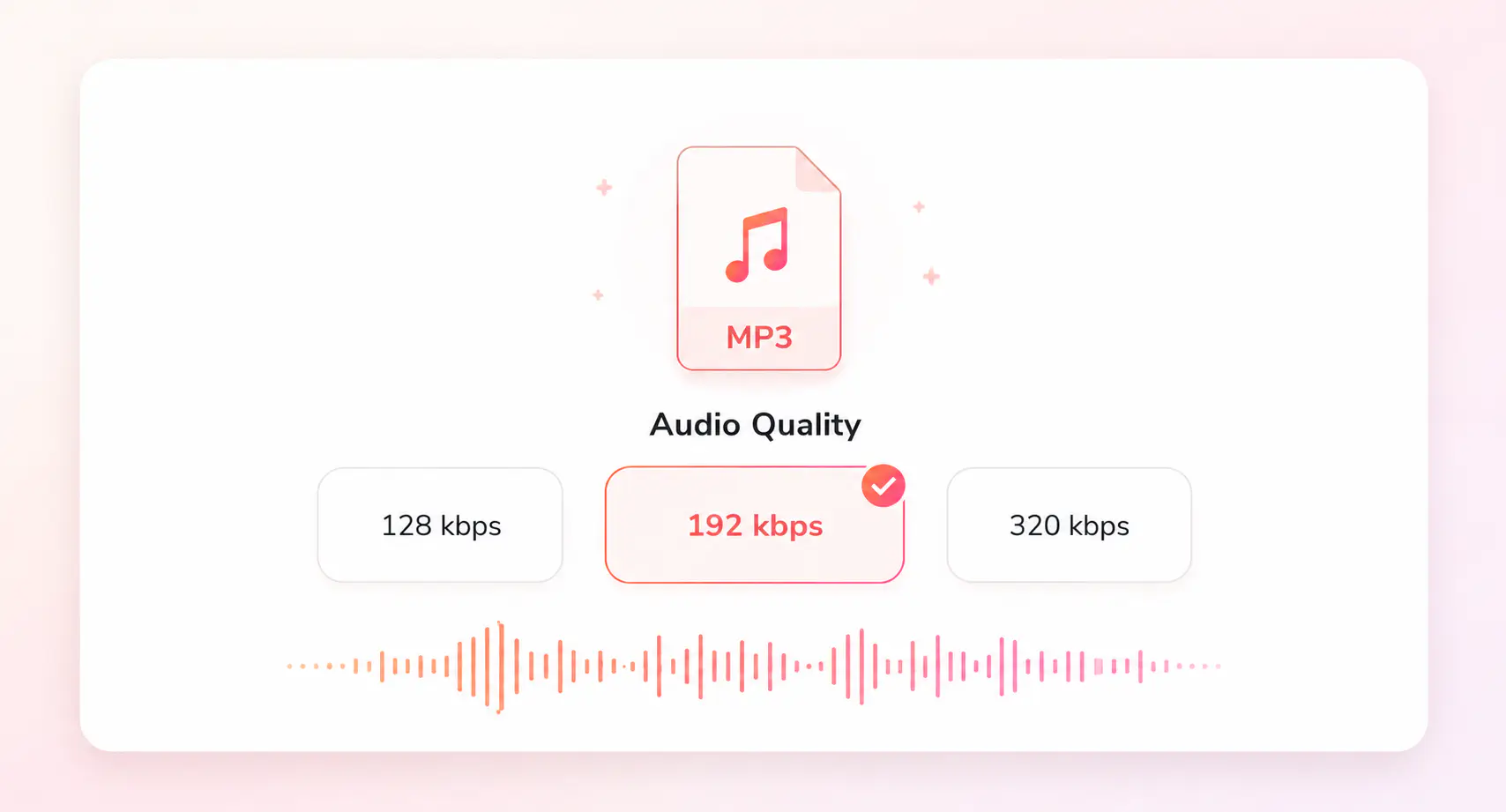
Keep 192 kbps for a balanced MP3, choose 128 kbps for smaller files, or use 320 kbps for high quality music.
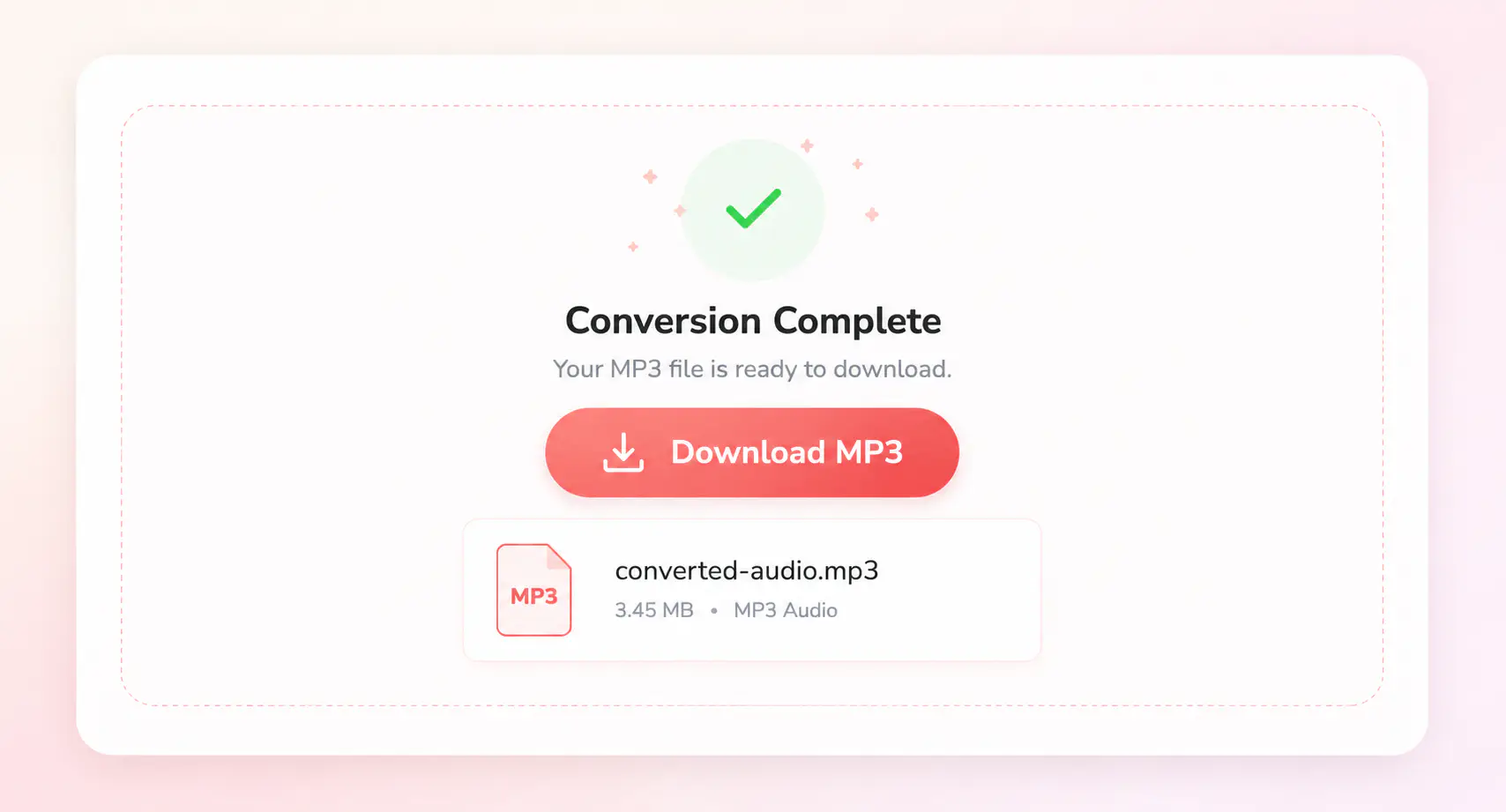
Start converting FLAC to MP3 and save the converted MP3 file when processing is complete.
More Audio Converter Tools
Continue with related audio format and video to audio converters
Convert FLAC to MP3 with Any Video Converter
Handle large FLAC files or even entire folders with the customized presets and advanced audio settings
FAQs about FLAC to MP3 Converter
Quick answers about converting FLAC to MP3
What is the easiest way to convert FLAC to MP3?
The easiest way is to use an online FLAC to MP3 converter for a single audio file. Upload the FLAC file, choose an MP3 bitrate, and download the converted MP3 file without installing software.
Can I convert FLAC to MP3 online for free?
Yes. You can convert single FLAC files to MP3 online for free without installing software. The online converter is best for quick audio conversion. For larger FLAC files, albums, or batch conversions, a desktop converter is more stable.
Does converting FLAC to MP3 reduce audio quality?
Yes. FLAC is lossless, while MP3 is a compressed audio format. Converting FLAC to MP3 makes the file smaller and easier to play, but some audio detail is reduced. For music, 320 kbps is usually a better choice if you want a higher-quality MP3 copy.
What MP3 bitrate should I choose for FLAC audio?
Choose 128 kbps for voice recordings or smaller files, 192 kbps for everyday listening, and 320 kbps when converting FLAC music or detailed recordings to MP3 with better sound quality.
Can I convert multiple FLAC files or a full album to MP3?
Yes, but a desktop FLAC to MP3 converter is better for full albums, folders, and batch conversion. It lets you convert multiple FLAC files at once, keep a consistent MP3 bitrate, and avoid uploading large audio files one by one.
When should I use a desktop FLAC to MP3 converter?
Use a desktop converter when your FLAC file is larger than the online limit, when you need to convert albums or folders, or when you want more control over quality, presets, and local processing. Any Video Converter Free is a better choice for larger FLAC to MP3 conversion tasks on Windows or Mac.