










avc logo

YouTube Converter for Windows & Mac

Convert YouTube videos or playlists to MP4 or MP3

  • Download videos, playlists, and channels from YouTube for free
  • Download YouTube videos in resolutions up to 8K
  • Convert YouTube audio to MP3 with your preferred audio quality
  • Save multiple audio tracks, 5.1 surround sound, subtitles, and HDR video
  • Advanced options, including auto-download, auto-renaming and built-in browser
checkbox iconFree to Use
checkbox iconNo Daily Limits
checkbox icon95% Success Rate
checkbox iconSafe to Use
youtube converter for desktop
youtube to mp3 converter
Start Your YouTube Downloads. Free. No Daily Limits

Free, Reliable, and Safe YouTube Converter for Desktop

A reliable alternative when online converters fail

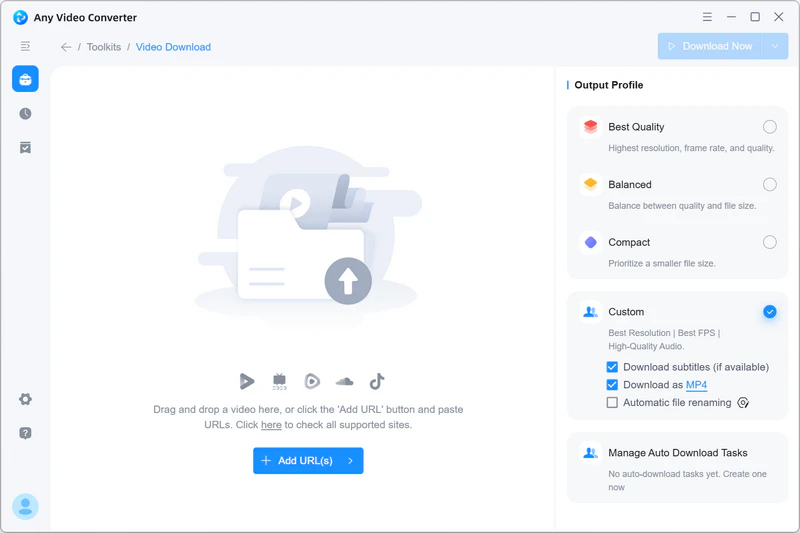
Convert Videos, Channels, and Playlists from YouTube to MP4

Skip the pop-ups and redirects of online YouTube converters. Download YouTube videos, channels, and playlists as MP4 files with flexible quality settings and batch downloads.

youtube to mp4 converter

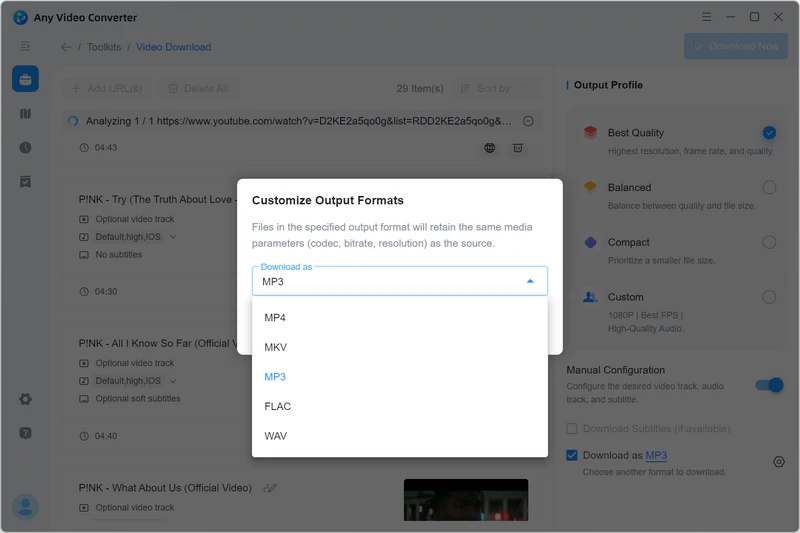
YouTube to MP3 – Extract Audio from YouTube

Turn YouTube videos, channels, and playlists into high-quality MP3 audio for offline listening. Use automatic file renaming to keep your music library organized. You can also download high-quality audio from YouTube Music and other music platforms, including SoundCloud and Bandcamp.

youtube to mp3 converter

Download YouTube Videos in 8K, 4K, HD, and HDR

Save YouTube videos in resolutions up to 4K and 8K, with HDR and 5.1 surround sound when available. Choose Best Quality, Compact, or Custom mode to get the quality you need, with flexible settings for more control.

download youtube video in 8k and 4k quality

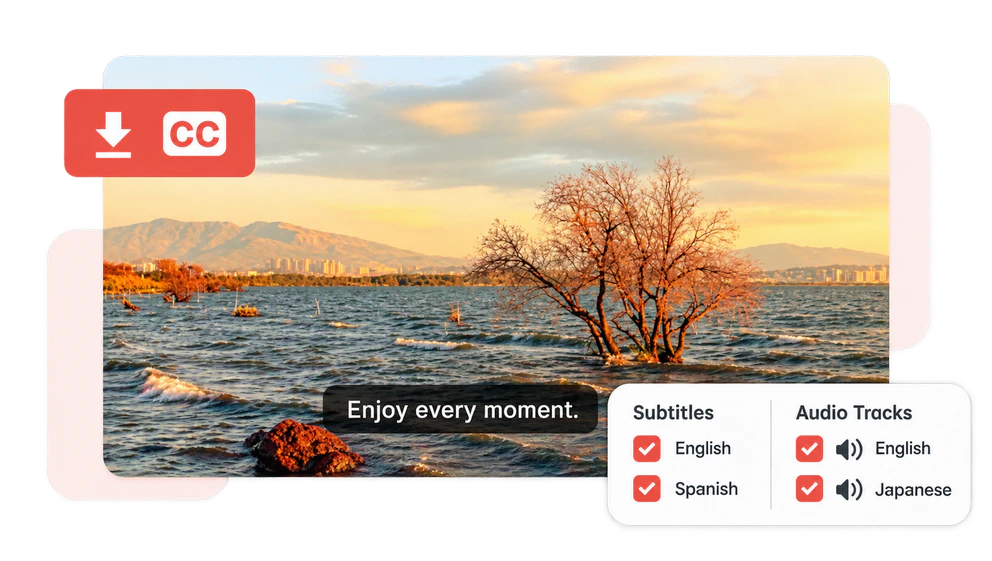
Download YouTube Subtitles and Select Audio Tracks

Download YouTube videos with available subtitles and your preferred audio language. Select individual subtitles and audio tracks, or save multiple languages in one download.

download youtube subtitles and audio language

Set Your Preferences. Simplify Your Downloads

Personalize your downloads with advanced features to level up your experience

Make the Switch to More Reliable Downloads

Skip the pop-ups and limits of online tools. Enjoy reliable downloads and greater control

icon unlimited downloads

No Daily Download Limits

Download HD and 4K videos without daily caps—even in the Free version.

icon no length limits

No Video Length Limits

Save long videos, podcasts, and audio without duration restrictions—even for free.

icon fast downloads

Fast Downloads

Save your favorite videos and audio faster with Turbo Download.

icon built in browser

Built-in Browser

Sign in within the app to download private videos and other content your account can access.

icon reliable downloads

Reliable Downloads

A 95% download success rate gives you more confidence when saving your favorite content.

icon customer support

Responsive Human Support

Get regular updates and timely help from our support team when download issues arise.

Start Free. Unlock Smarter Downloads

Download your favorites for free, or upgrade for more control

Swipe to compare all three versions →

Any Video Converter download features by version
Features

Free

For everyday downloads

Free Download Free Download

Pro

For custom downloads

View Plans
Recommended

Ultimate

For advanced workflows

View Plans
Basic Downloads
Daily download limit UnlimitedUnlimitedUnlimited
YouTube videos, channels & playlists ✓✓✓
Search and download YouTube videos ✓✓✓
HD, 4K & 8K downloadsWhen available from the source ✓✓✓
High-quality audioWhen available from the source ✓✓✓
Download Controls
Simultaneous downloads 444
Private YouTube content downloadSign-in and account access required ✓✓✓
Custom download formats —✓✓
Custom download modeCustomize output settings and save as presets —✓✓
Multiple audio & subtitle tracks —✓✓
Turbo Download ——✓
Automation & AI
Automatic file naming —✓✓
Auto-download new content ——✓
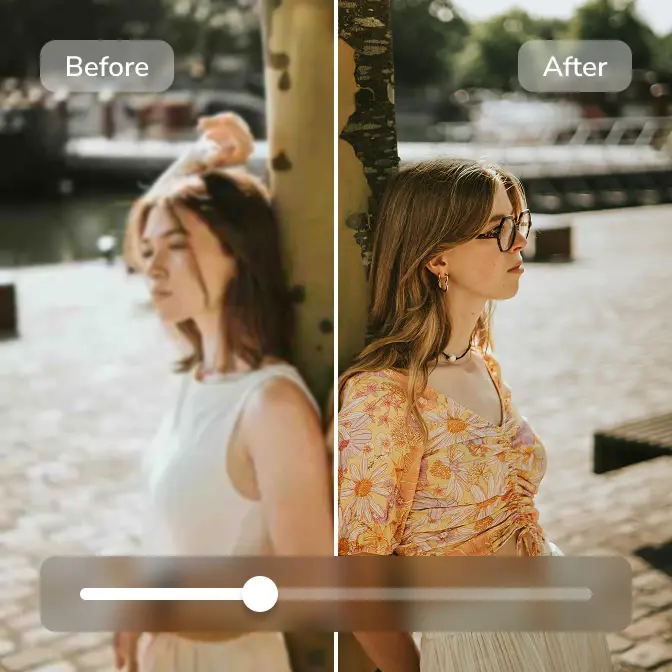
AI video enhancement ——✓
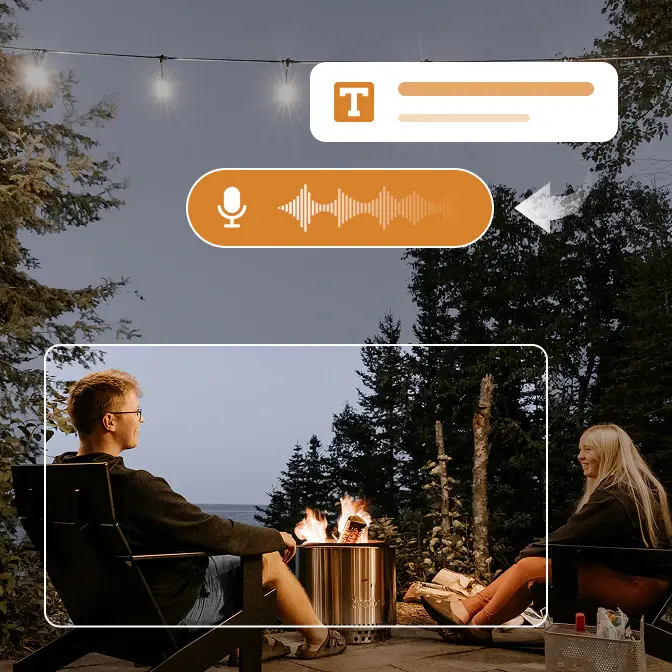
AI speech to text ——✓
AI vocal & instrumental splitter ——✓

How to Convert YouTube to MP3

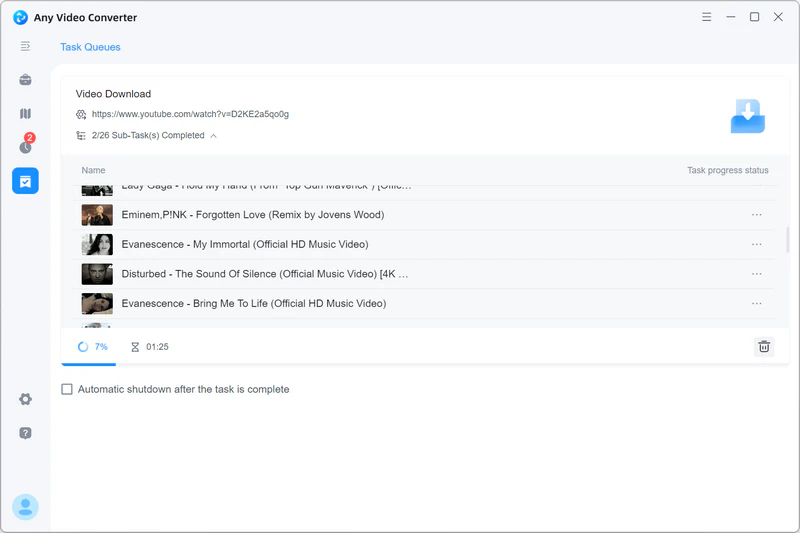
Save your YouTube videos, playlists, and channels as MP3 in just a few simple steps

add youtube video choose mp3 as the output format start converting youtube to mp3 with any video converter

Download with Confidence. Get Timely Support

See why users choose us for reliable downloads, responsive support, and lasting value

trustpilot 4.8 startrustpilot icon

4.8/5

Based on 1,011 reviews

Read reviews ↗
  • Great customer service for a not so bright PC user

    I am sometimes careless and have had to reload windows twice, losing everything in the process. AVC was super quick to respond. The second time the code they sent me didn't seem to work. They worked with me until the issue was resolved. Me being careless (stupid) again. Their customer service is GREAT! I love the product also. It works as claimed. I highly recommend it.

  • I highly recommend Any Video Converter

    I really enjoy using Any Video Recorder. I save my favorite tunes and tutorials to be able to find and listen to in my free time. Great quality. I purchased the full version of AVC. Customer support has been fantastic. They have answered my email questions within 24 hours. They value feedback and have put into place with their development team fixes for an issue I have submitted. They take feedback seriously and take action to resolve the issue.

  • Powerful application. Speedy support. Great all around

    I loved the free app so much that I bought a lifetime license. I recently needed support for an updating issue. I received an immediate response and they took care of the problem perfectly.

  • Love the app and of course the support team

    quite a few years. Recently I encountered problems downloading YouTube videos, so I sent an email the support team, asking for help. I received a reply in a very timely manner indeed with simple instructions on how to rectify the problem. Worked like a charm, the support team is excellent, love the app and of course the support team.

  • Any Video Converter is a MUST HAVE program

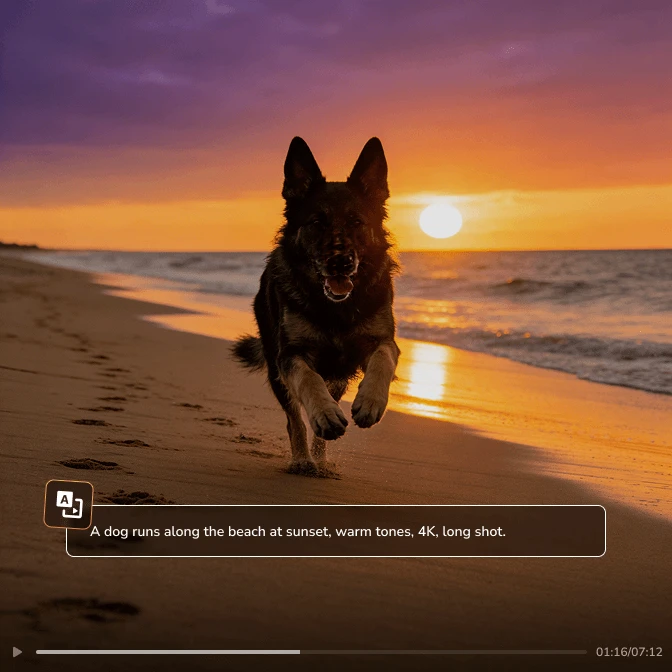
    Any Video Converter has been a program I can't live without for several years now. I use it for many different uses. Converting and clipping both audio and video files is easy. Extracting video from a variety of websites is easy. Rendering new video with with added subtitles is easy. Now with the latest version, so many new features: AI image and video generation and audio splitting and video compression are just some of the functions. This is a must have PC tool.

  • I began using them in 2014

    I began using them in 2014, have upgraded computers 2x since then and they have been FAST and efficient in helping me get new keys moving to the new system. Product has been exactly what i wanted when i bought it, and 12yrs later still use it. Great product, Great support.

  • Excellent and Speedy problem resolution

    I've used Any Video Converter and Any Video Converter Pro for many years and have been very happy with the software. An issue arose recently when I had to update AVC Pro. I emailed the Any Video Converter Support Team and received a clear and concise answer very quickly which solved the issue. So, in addition to having liked Any Video Converter (the free version) and AVC Pro (with a small annual fee), I am really happy with the customer service I received.

  • Any Video Converter tech ROCKS

    Any Video Converter tech support is one of the best I have work with. They get back to you immediately and have always resolved my issues. I cannot be more satisfied with my purchase of their fine product backed up by excellent support! Dr. Keller

  • AVC just works

    I have been using Any Video Converter for about 2 years now, and I'm very impressed. It just works, and works well. For me, it really shines as a downloader for online videos. If I want to use an online streaming video in a setting when I can't be online or need to insert it into a presentation, AVC will pull it down for me and convert it to whatever format I need. It's UI is intuitive and simple, and just effective. No messing around. It was worth the cost of purchase.

Already using Any Video Converter? Share Your Experience ↗

Selected five-star excerpts and summaries from Trustpilot reviews

Download YouTube Freely. No Daily Limits

Skip the pop-ups, redirects, and daily limits. Save YouTube videos and music in the quality you want.

YouTube Converter FAQs

Find quick answers about converting YouTube to MP3 or MP4

Yes. You can download YouTube videos for free and convert them to MP3 or MP4 with the included Format Convert tool. For a simpler workflow, the Pro and Ultimate versions let you choose your output format directly in Custom mode, with no separate conversion step needed.

You can download YouTube videos in MP4, MP4 (H.264), or MKV format, with resolutions up to 8K, including 4K, 1080p, and lower resolutions, depending on the source video.

Yes. Any Video Converter lets you download entire YouTube playlists or channels for free. With Ultimate, you can also automatically download new videos as they're added to a playlist or channel.

No. Any Video Converter has no video length limits for YouTube downloads, including in the free version. Longer videos and higher resolutions, such as 4K or 8K, may take more time to download and process.

No. Any Video Converter does not impose a daily download limit, even in the free version. However, YouTube may temporarily restrict access if too many requests are made in a short period. For more reliable downloads, download in smaller batches and allow time between them.

If a YouTube download or conversion fails, you can update the software to the latest version and check the error message.

  • Sign-in or verification required: Log in through the built-in browser and retry. For private, age-restricted, or members-only videos, your account must have access to the content.
  • Video unavailable: Open the link in your browser to check whether the video is still available and accessible in your region.
  • Too many requests: Pause downloads and try again later. Download fewer videos at a time and wait a while before starting more downloads.
  • Conversion failed: Check that the downloaded file plays correctly and that your output drive has enough free space.

If the issue persists, contact us through the in-app Feedback Center with a short description so our support team can investigate.

It depends on the content, your permissions, and the laws in your country. Only download and convert content you own or are authorized or otherwise legally permitted to use. “Royalty-free” does not automatically mean unrestricted use, so check the license terms before downloading. You should also always comply with YouTube’s Terms of Service.

Do More with Your Downloads

Complete your video workflow with more useful tools.

More YouTube Converter Guides & Tips

Explore more ways to download and convert YouTube videos in your preferred format and quality